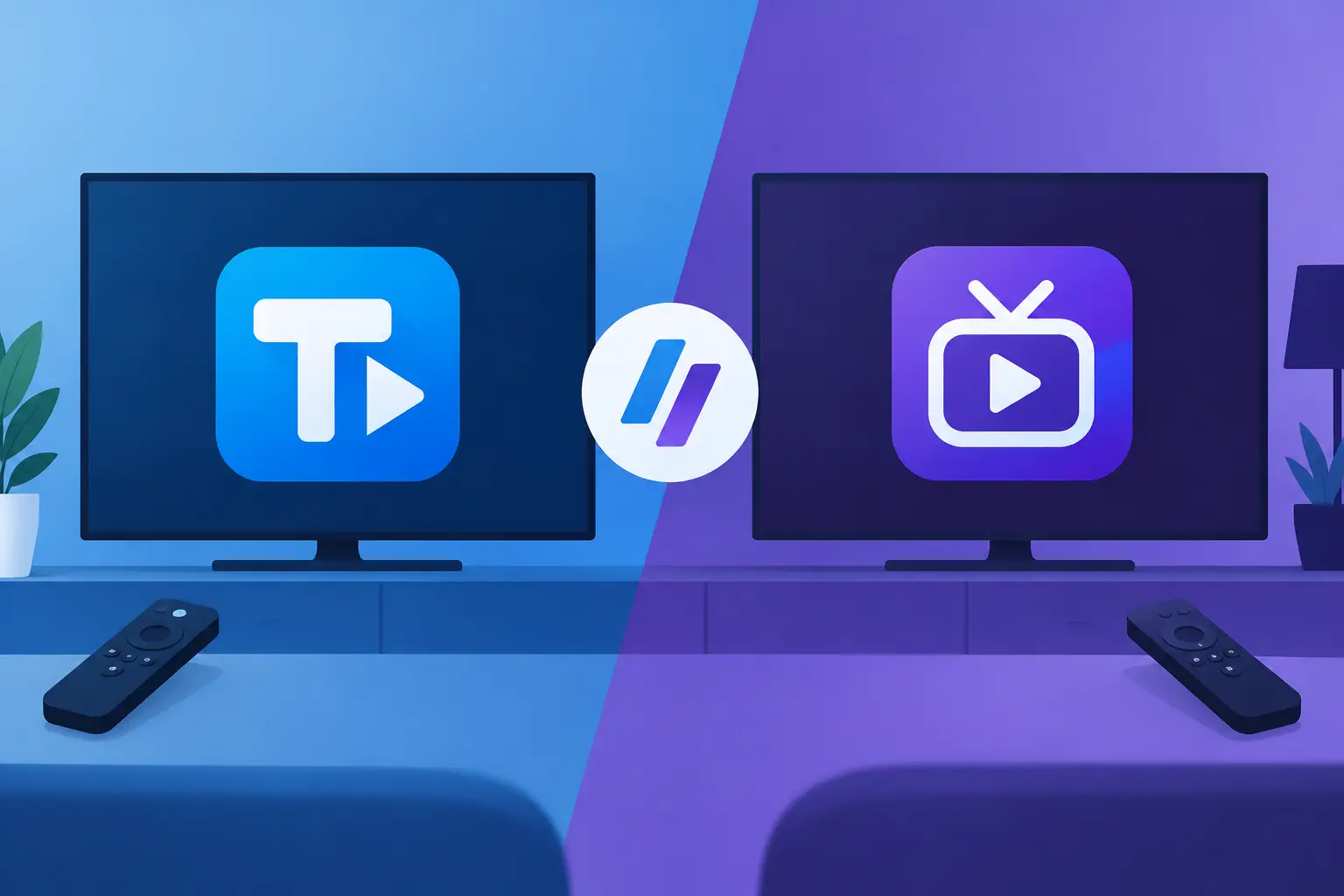
TiviMate versus Smarters Player: Which Fits?
A great IPTV subscription can still feel clumsy if the player is wrong for your screen. In the TiviMate versus Smarters player choice, the best app is not simply the one with more menus. It is the one that makes finding live sport, UK channels, films, series and children’s content quick when everyone is ready to watch.
Both apps can work with compatible IPTV login details or playlists. Neither app supplies channels, films or a subscription by itself. Think of the player as the interface and your IPTV service as the content source. Get both parts right and your television setup feels far closer to a modern premium TV service, without juggling separate entertainment apps.
TiviMate versus Smarters Player at a Glance
TiviMate is built primarily for Android TV devices. It is popular with viewers who want a traditional television experience: a polished channel guide, easy favourites, clear categories and fast remote-control navigation. If your main screen is a Fire TV Stick, Android TV box, Google TV device or compatible smart television, TiviMate often feels purpose-built for the job.
IPTV Smarters Pro, commonly shortened to Smarters Player, takes a broader approach. It is available across more types of device, depending on the version and app store. That makes it a practical choice for households watching on a mix of smart TVs, mobile phones, tablets, streaming devices and computers. Its layout is straightforward, with separate areas for live TV, films, series and catch-up where your provider supports them.
The choice comes down to how you watch. TiviMate is usually stronger for a single living-room TV where a familiar electronic programme guide matters most. Smarters is often more convenient if you want the same account details available across several device types.
The Viewing Experience: Remote Control Matters
TiviMate’s biggest advantage is its television-first design. The channel guide is highly customisable, and browsing can feel closer to using a set-top box than using a generic streaming app. You can organise favourite channels, hide categories you never use and move through listings with a remote without constant clicks.
That matters when you have access to a large channel line-up. No one wants to scroll through thousands of channels to reach BBC, Sky Sports-style sports categories, Irish stations, European entertainment or the children’s section. TiviMate gives organised viewers more control over what appears first.
Smarters is easier to understand at first glance. Its home screen clearly separates live channels from video on demand, which suits anyone who switches between a football match, a film and a box set in the same evening. The interface may feel less refined than TiviMate’s guide on a large television, but it is familiar and functional.
For families, Smarters can be especially approachable because the content sections are obvious. For channel surfers and sports viewers who live in the EPG, TiviMate usually has the edge.
EPG and channel organisation
An electronic programme guide is more than a schedule. It helps you see what is live now, what is coming up and whether there is something worth recording mentally for later. TiviMate is known for its strong EPG presentation, with detailed options for managing channel groups and guide behaviour.
Smarters supports EPG data too, but the experience depends more heavily on the app version, device and information supplied by your IPTV provider. It handles everyday browsing well, although advanced organisation is not its main selling point.
If you are setting up IPTV for parents or guests, keep the layout simple whichever app you choose. Put favourite channels first, remove unused groups where possible and use a clear profile name. A tidy app saves more time than any flashy feature.
Device Compatibility: Where Will You Watch?
This is where Smarters can win outright. It is designed as a multi-platform player, so it is a useful option when one person watches on the lounge television and another watches on a tablet or mobile while travelling. Availability can vary by device manufacturer and region, so always check the correct app store before committing to a setup.
TiviMate is focused on Android-based television platforms. It is excellent on a compatible Fire TV device or Android TV box, but it is not the natural answer for iPhone, iPad or many non-Android smart TV systems. If your household uses only one main Android TV screen, that limitation may not matter at all.
Before choosing, check three things: your television operating system, whether you want mobile viewing, and how many screens your subscription permits at the same time. An app cannot create extra simultaneous connections. If your plan is for one device, a second active stream can cause interruptions or login conflicts.
Features That Make a Real Difference
Both players can support common IPTV login methods, including Xtream Codes-style credentials and M3U playlists, subject to what your provider supplies. Smarters is generally very simple to set up with a username, password and server address. This low-friction login process is a major reason it remains popular with first-time IPTV users.
TiviMate may take a little more initial configuration, particularly if you want to fine-tune playlists, guides and groups. The reward is a more tailored television interface. Viewers who enjoy controlling their setup tend to appreciate that extra flexibility.
Premium features also deserve a realistic look. TiviMate’s paid tier can add useful functions such as multiple playlists, advanced favourites management, backup options and other personalisation tools. Smarters versions can differ, especially where a provider-branded edition is used, so features such as recording, multi-screen display, external player support and parental controls are not identical everywhere.
Do not choose based on one feature name alone. Recording, catch-up and multi-screen playback depend on the player, the device’s storage or capability, and the IPTV service. For example, a recording button cannot record a channel that is unavailable or a device with no usable storage.
Which Player Is Better for Sport, Films and Series?
For live sport, TiviMate is often the stronger living-room option. Fast access to favourites, a full guide and remote-friendly channel switching are valuable when a match is about to start. A wired connection or strong 5 GHz Wi-Fi will matter just as much as the app, particularly for FHD and 4K streams.
For films and series, Smarters has a natural advantage in presentation. Its dedicated VOD areas make it easy to browse posters, categories and episodes. It is also convenient if you watch a film on the TV one night and continue browsing on a mobile device later.
That does not mean TiviMate is poor for on-demand content. It can display provider-supplied VOD libraries, but its main strength remains live television. If your priority is recreating the feel of a premium TV box, choose TiviMate. If your priority is moving between live TV and on-demand entertainment across different devices, Smarters is a sensible fit.
Setup Tips for a Better IPTV Experience
Whichever player you install, use the login details exactly as supplied. Small errors in the server address, username or password are a common reason for failed logins. Avoid sharing account credentials outside your household, and use only authorised content and services in line with applicable rules.
Give the app time to load the playlist and programme guide after first login. Large channel and VOD catalogues can take longer than a small playlist. Once loaded, create favourites straight away rather than trying to navigate every category each time.
Connection quality deserves attention too. If a stream buffers, first test another channel and then check your broadband, Wi-Fi signal and device performance. Restarting the app or streaming device can clear temporary issues. A reputable provider with regularly maintained streams and support is part of the equation, but no player can compensate for weak home Wi-Fi.
For viewers who want a broad UK and international entertainment package, TelevoiTV can be used with compatible player apps and supported devices. Choose a setup that matches your screen habits first, then enjoy the channel range rather than fighting with the menu.
The Practical Choice for Your Household
Choose TiviMate if your priority is one main Android-based TV, a powerful EPG and a cleaner remote-control experience. It rewards viewers who want to organise channels properly and get to live sport or favourite stations in seconds.
Choose Smarters Player if device flexibility is the deciding factor. It is a strong all-round option for homes that mix smart TVs, streaming sticks, tablets and mobile phones, or for viewers who spend as much time browsing films and series as they do watching live channels.
The most useful next step is simple: install the player that suits your main device, sign in with a legitimate trial where available, and test it at the time you normally watch. Check the guide, switch a few live channels, open a series and see whether the remote controls feel natural. The player you barely notice while enjoying the programme is the right one.